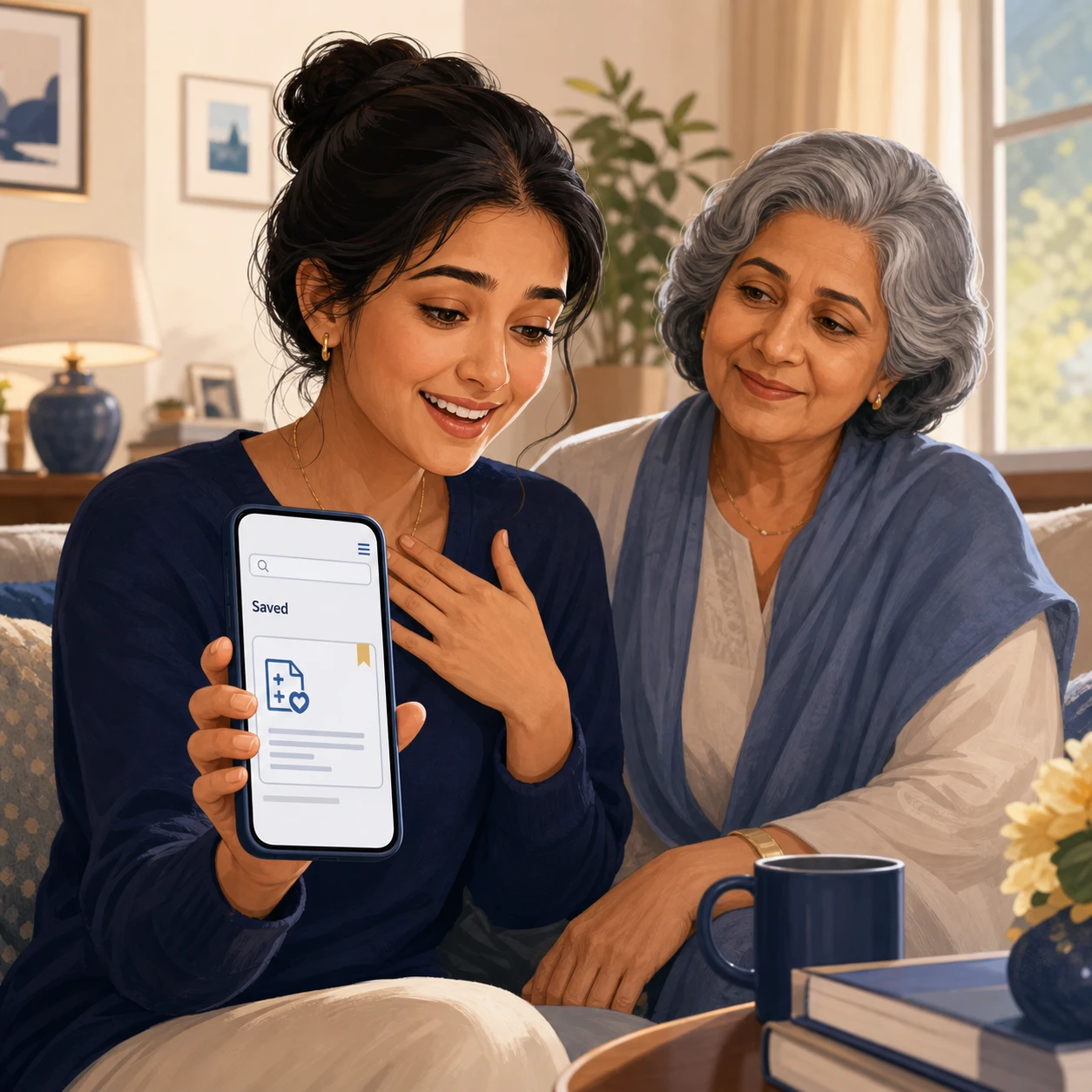
Health information
“Finally—I found the health information I saved for Mum.”
She remembered the subject, not when she saved it. Siftory helped her return to the screenshot in her own library.
A private visual memory for iPhone
Available for iPhone on the App Store
Siftory organizes the screenshots you meant to revisit—and helps you find them by what you remember, not when you saved them.
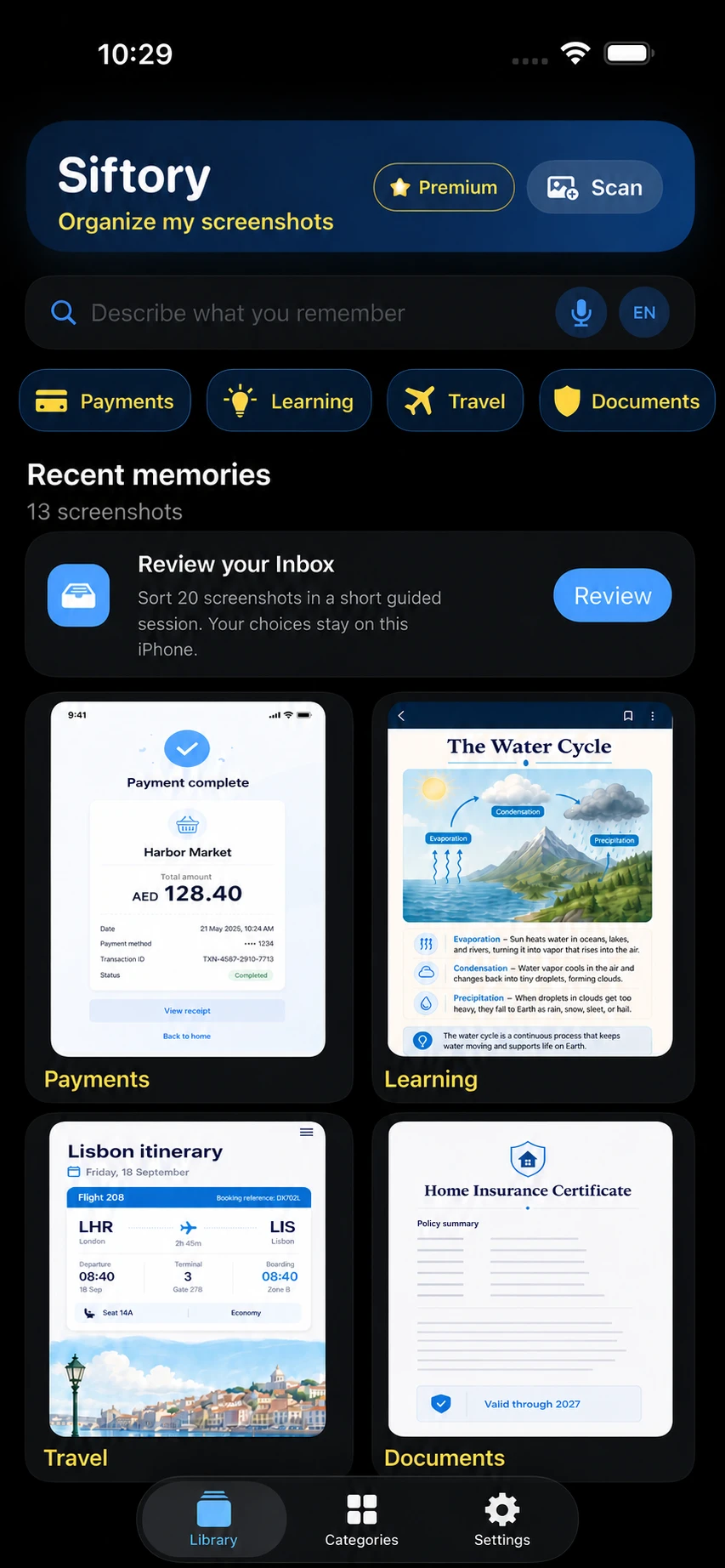
From saved screenshot to useful next step
5,000+screenshots tested in one real library
On-deviceOCR and organization
You decidebefore originals are deleted
“Finally—I found the health information I saved for Mum.”
She remembered the subject, not when she saved it. Siftory helped her return to the screenshot in her own library.
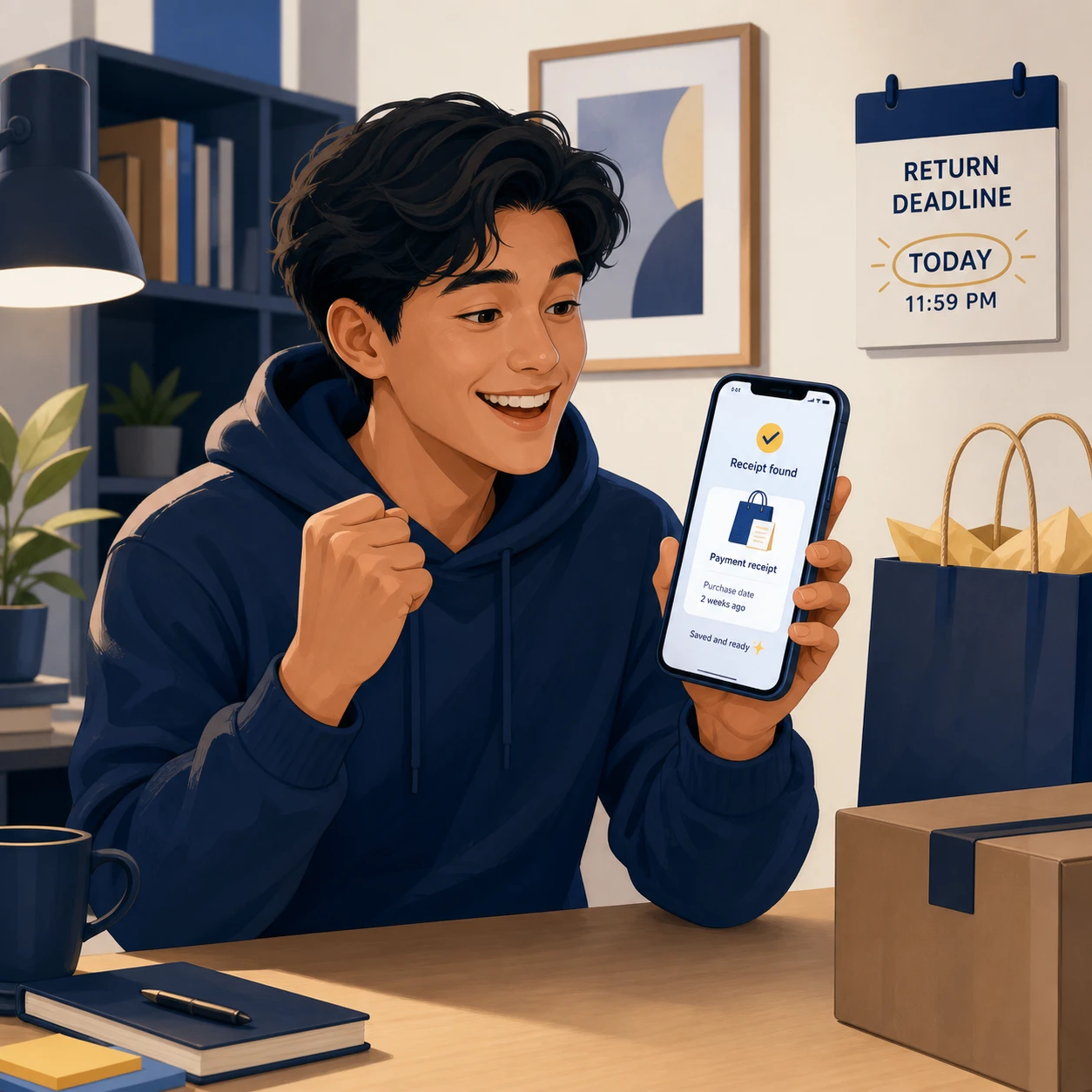
“Found the receipt just before the return deadline.”
A remembered detail led back to the proof of purchase when it mattered.

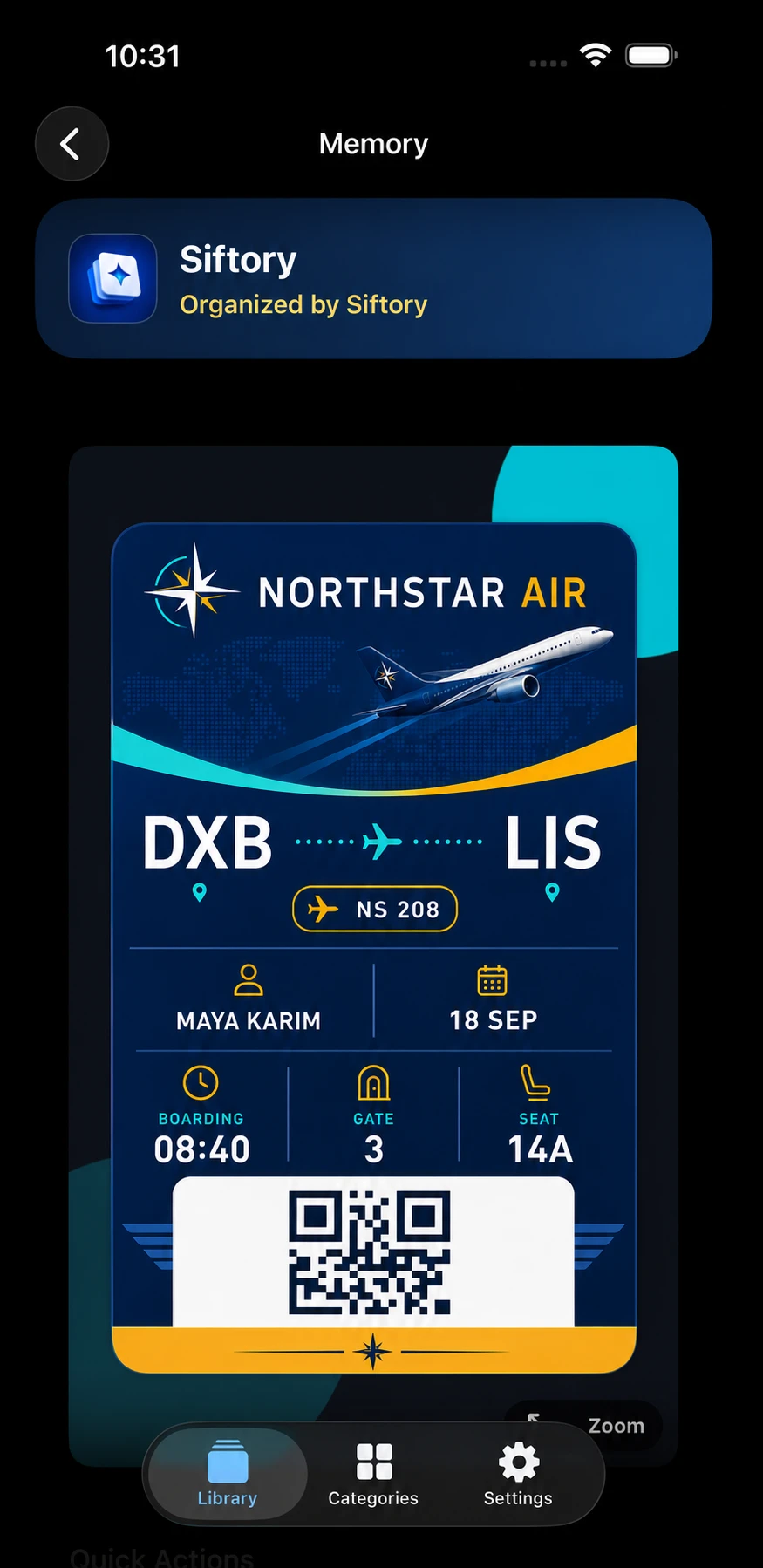
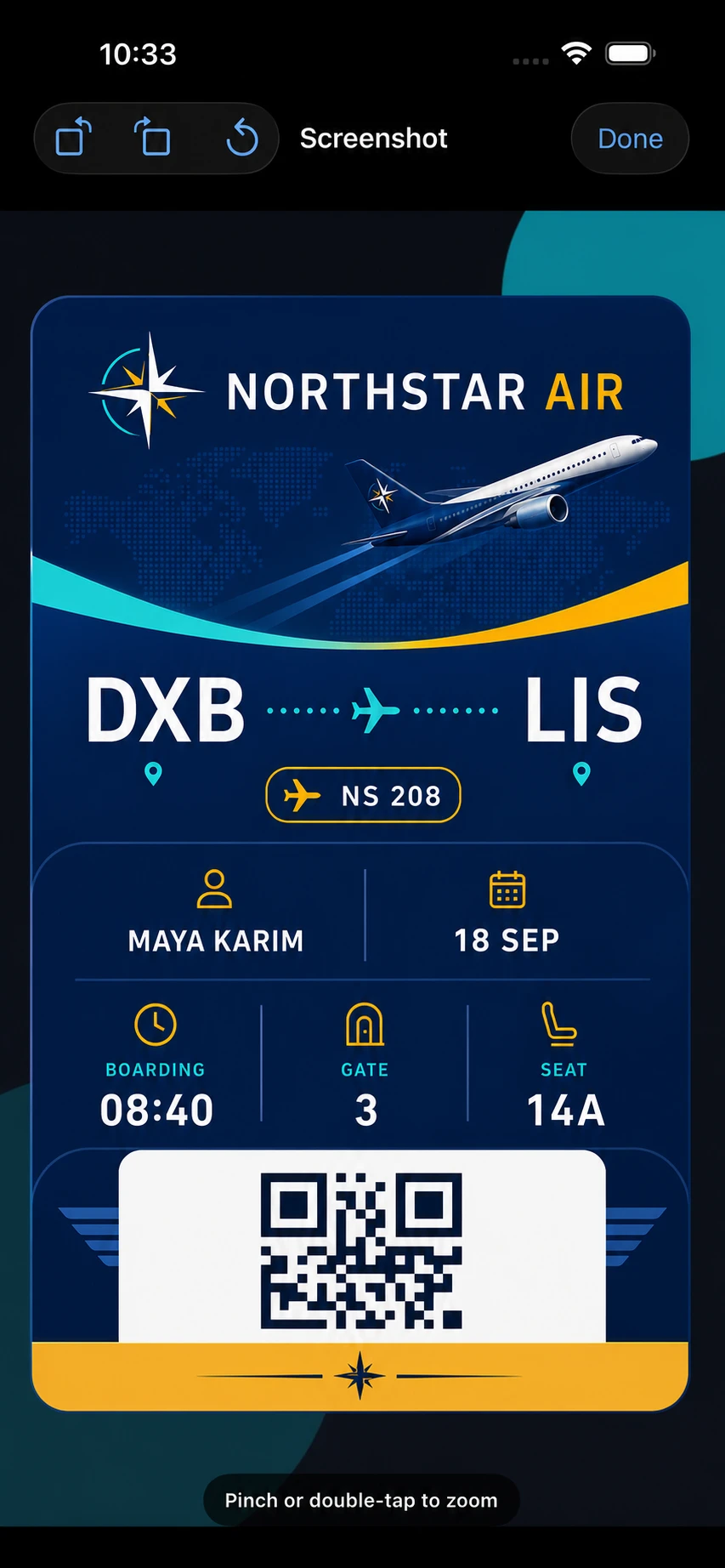
“Found the travel document before boarding.”
Instead of scrolling through months of images, the traveler found the saved information needed for the next step.
Illustrative fictional scenarios. Siftory helps retrieve saved information; it does not provide medical advice or verify the content of screenshots.
What Siftory can help you recall
Travel, shopping, payments, learning, health, and documents stay visual—so the website shows the kind of information Siftory is built to organize.
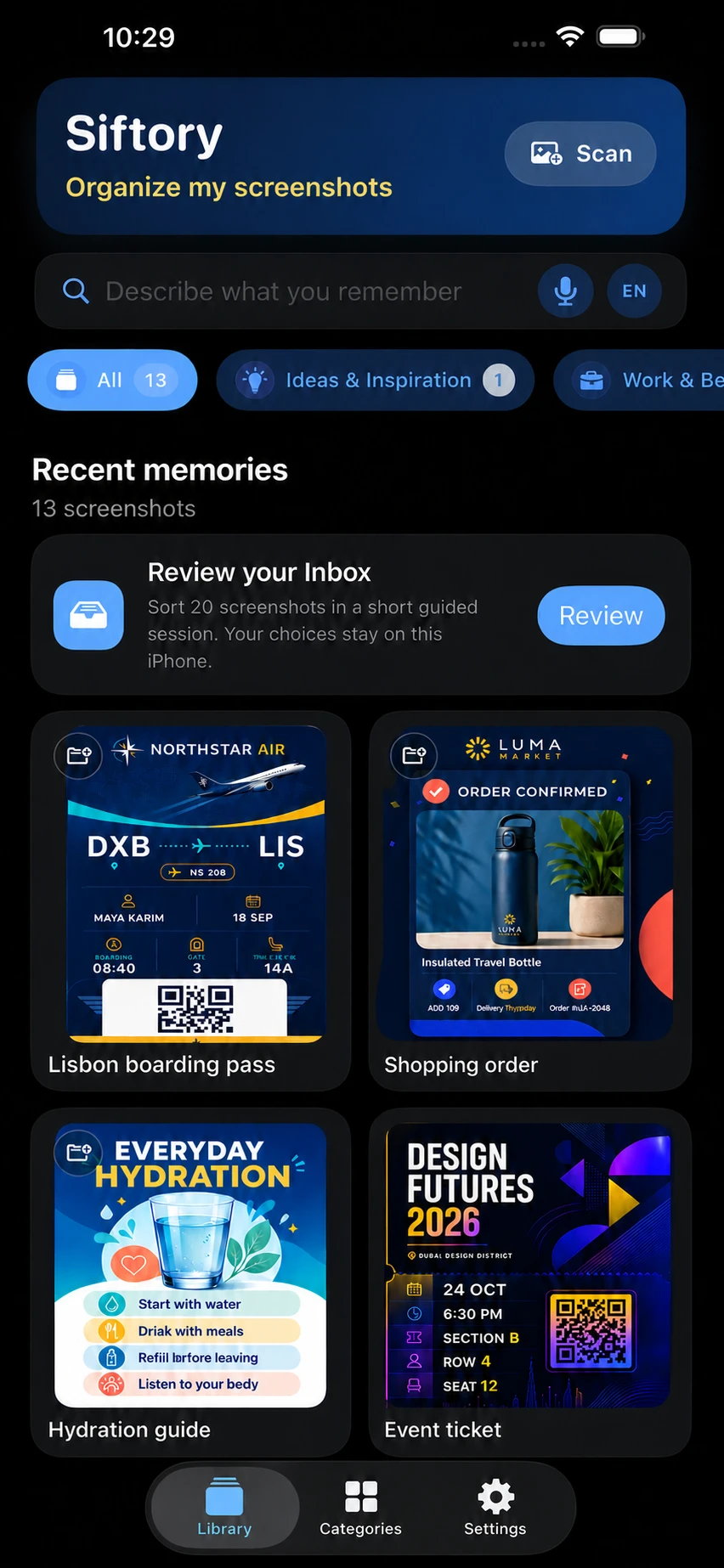




Fictional examples created for Siftory. No third-party brand endorsement is implied.
One place for every screenshot you meant to remember
Siftory keeps the screenshot itself at the center—then adds organization, recall, and action around it.
Category chips, visible counts, and guided review turn thousands of saved images into a browsable collection.
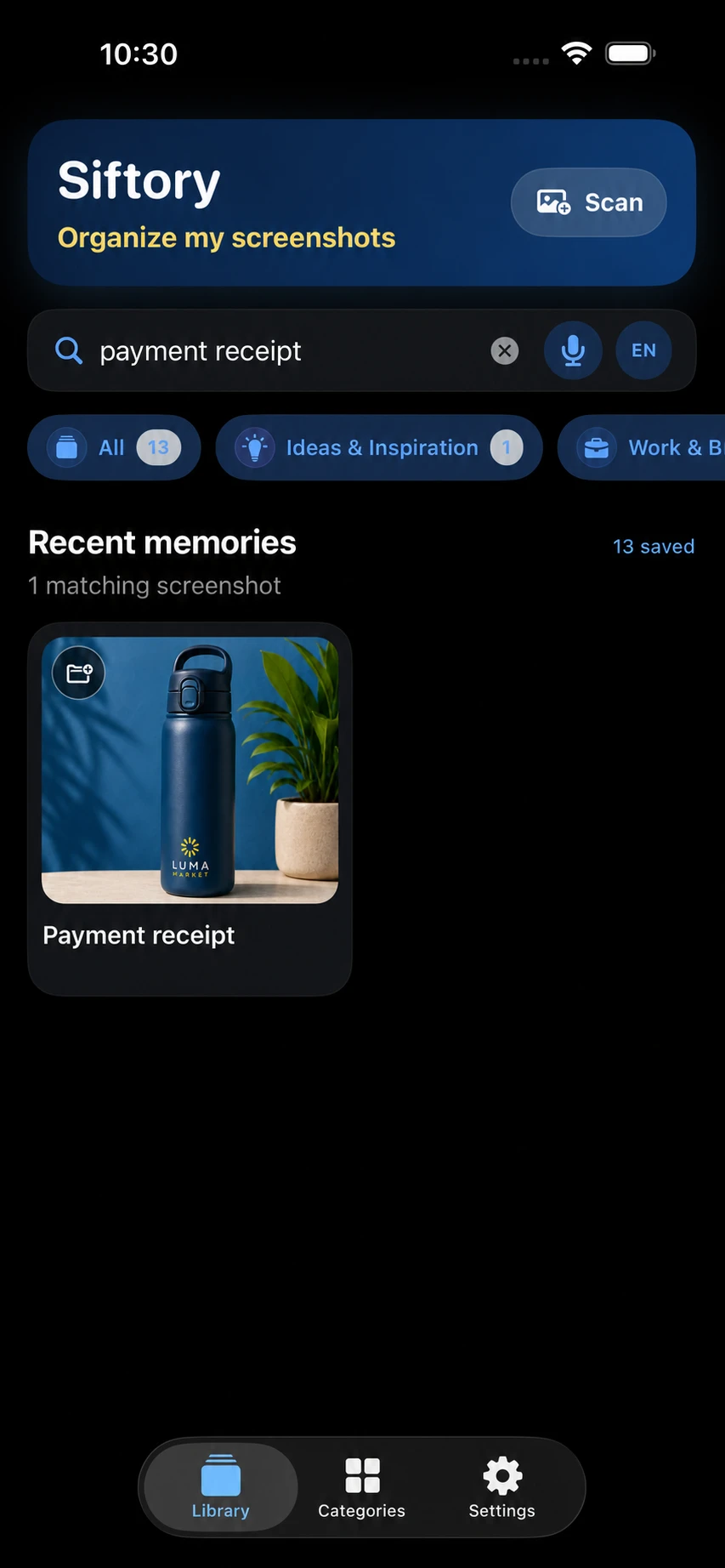
Review details, add a reminder, share, move, zoom, rotate, or delete—with your confirmation.
See how similar screenshots are reviewedUseful after the first cleanup
Siftory is built for ongoing recall and action. Favorite what matters, return at the right time, share it when needed, and keep organizing new screenshots.
Keep important screenshots easy to return to without moving or renaming the original.
Come back to a receipt, booking, deadline, health note, or idea at the time it becomes useful.
How screenshot reminders workSend an individual screenshot to the person who needs it while your library stays private on your iPhone.
New screenshots keep arriving. Scan small batches, review the Inbox, and keep your visual memory current.
Separate from screenshot scanning
When you choose to use Photo Library Tools, Siftory helps you compare photos and inspect storage before you decide what to keep.
Compare near-identical personal photos and inspect the suggested best shot yourself.
Explore Best ShotsReview the many photos from one event or trip in a focused session.
Explore event cleanupFind large videos and possible low-quality photos, then open each item before acting.
Explore the storage mapFrom camera roll clutter to useful memory
The useful part of a screenshot is usually inside the image. Siftory makes that content available without asking you to rename every file.
Siftory reads visible text and useful context, then places screenshots into practical categories such as travel, work, shopping, health, and money.
Describe what you remember, search recognized words, or use voice search. Siftory shows the matching screenshots and the evidence behind the match.
Open links, add a reminder, move an item, share it, review duplicates, or delete the original through Apple Photos when you decide it is no longer useful.
Find it from a fragment
Search by recognized text, category, date, or the idea you remember. Siftory helps you recall details across large screenshot libraries, while keeping core processing on your iPhone.
How screenshot text search worksRecognized details and categories help narrow the result.
Privacy is part of the product
Built for control, not autopilot
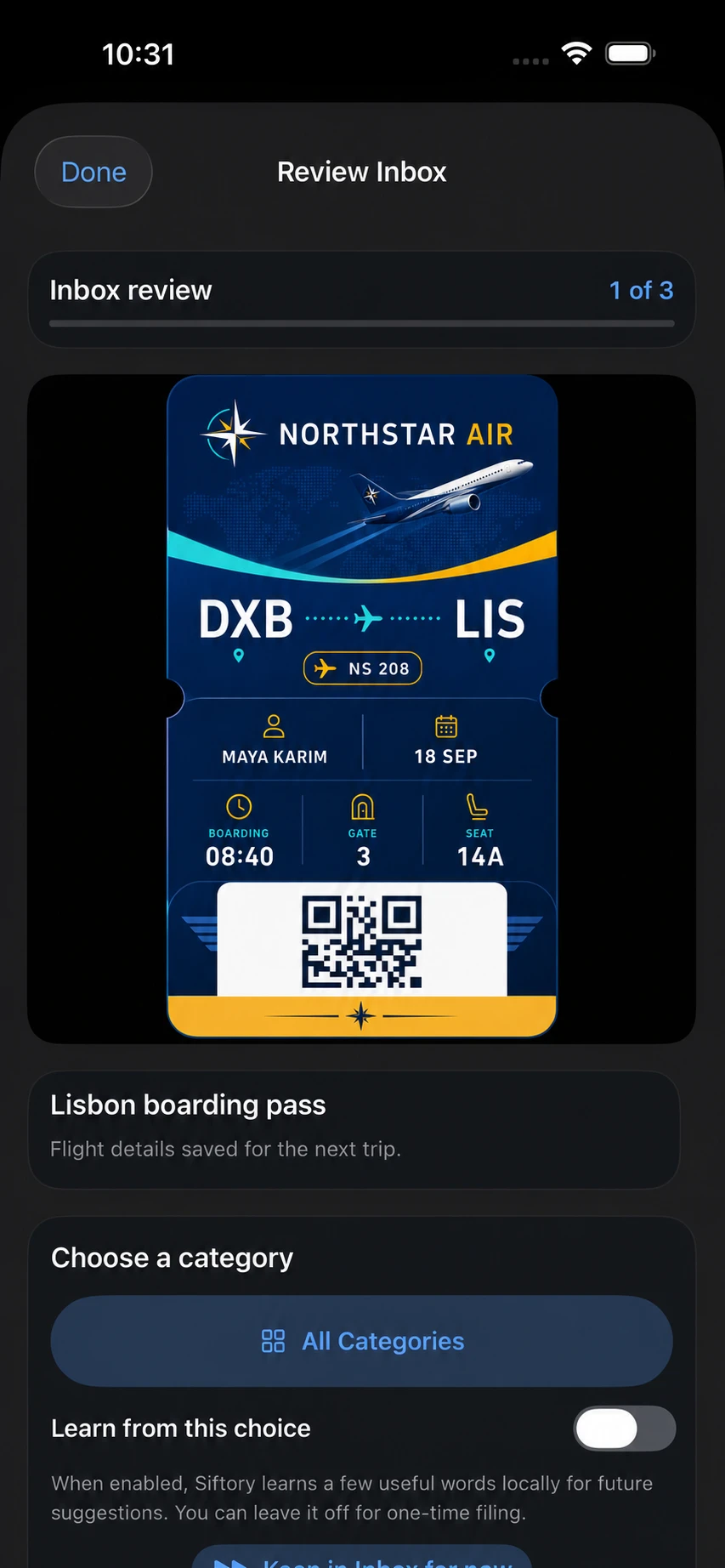
Guided Inbox review, category corrections, exact-duplicate review, full-screen zoom, rotation, and reminder controls keep decisions in your hands.
Your visual memory is taking shape
Download Siftory for iPhone on the App Store. Google Play is part of the product plan, but an Android release date has not been confirmed.
Open the App Store listing
Straight answers
No screenshot image is uploaded by Optional Enhanced AI. Core OCR and categorization run locally. If a Premium user explicitly enables Optional Enhanced AI in a supported build, Siftory may send a redacted OCR excerpt from eligible Unsorted items through its service for category review. Redaction reduces exposure but is not anonymity; see the privacy policy for retention details.
The normal screenshot scan indexes screenshots. If you separately open Best Shots or Photo Library Tools, Siftory can also review personal photos and videos that Apple Photos makes accessible to it. With Limited Photos access, only the items you selected are available.
Only after you choose deletion and confirm Apple’s Photos system prompt. Deleted originals normally move to Recently Deleted in Photos.
Yes. Siftory is available for iPhone on the App Store. Google Play is planned, but no Android release date has been confirmed.
Remember why you saved it